Nvidia Drivers dun work?
-
Heys... I've suddenly encountered problems on my desktop regarding my display.
Display cannot load when I installed the Nvidia drivers. But on removal, it is working fine. I tried installing them again, restarted the computer, and the display is gone again (i.e. it will show the Windows XP splash screen but after that nothing is shown).
My AGP card seems to be working ok...drivers' integrity??
I'm using a Inno GeForce 6600 card with 256MB Ram.
The problem happened when I was playing CS yesterday night and the entire screen just hanged. -
On top of that, during installation of the new drivers from Nvidia, I noticed that there would be lines of "uuuuuuu" across the WHOLE screen and then the screen will blank out. Have no choice but to restart... -.-
-
Did you installed the right drivers?
http://www.nvidia.com/content/drivers/drivers.asp
First column - Graphics drivers
Second column - GeForce 6 series
Third column - Choose your OS -
The right drivers were installed.
Yet the display cannot handle the drivers o.O
After installation and restart, same problems occur. -
Hmm... let's see. Can you post your motherboard brand and model number?
-
Sure.
Inno3D GeForce 6600 AGP w/ 256mb RAM -
Motherboard... not graphics card...
-
Paisei.Originally posted by ndmmxiaomayi:Motherboard... not graphics card...
Gigabyte GA-7N400 Pro 2
Running a AMD Athlon XP processor.
Has nForce2 Chipset, Socket A with AGP 8x. -
It's probably blacking out due to the onboard Nvidia chip... will need to disable it.
-
How to disable?Originally posted by ndmmxiaomayi:It's probably blacking out due to the onboard Nvidia chip... will need to disable it.
Just tried to reinstall the drivers...now can o.O
But the problem is the screen seems weird
-
Screen resolution or colours?Originally posted by deathscythe99:How to disable?
Just tried to reinstall the drivers...now can o.O
But the problem is the screen seems weird
Offhand, I can't recall how to disable motherboard's onboard chips. It's been quite a while since I've done so.
-
Screen resolutions and colours ah...hmms...I need to check though...now seems to work...hahaOriginally posted by ndmmxiaomayi:Screen resolution or colours?
Offhand, I can't recall how to disable motherboard's onboard chips. It's been quite a while since I've done so. -
Read the manual that comes with the motherboard.Originally posted by deathscythe99:How to disable?
Just tried to reinstall the drivers...now can o.O
But the problem is the screen seems weird -
i think you can try BIOS-> Advanced Chipset -> Initial Display -> Agp (or onboard/apg)Originally posted by deathscythe99:How to disable?
btw, my desktop (firefox/windows folder) also appears dull. tried changing setting under nvidia control panel to no avail. is it gfx problem? cos i just bought this 2nd hand... anyone can help? thnx -
Dull? As in?
Firefox colours are naturally dull... Windows not. -
is the colour where the arrow is pointing normal?Originally posted by ndmmxiaomayi:Dull? As in?
Firefox colours are naturally dull... Windows not.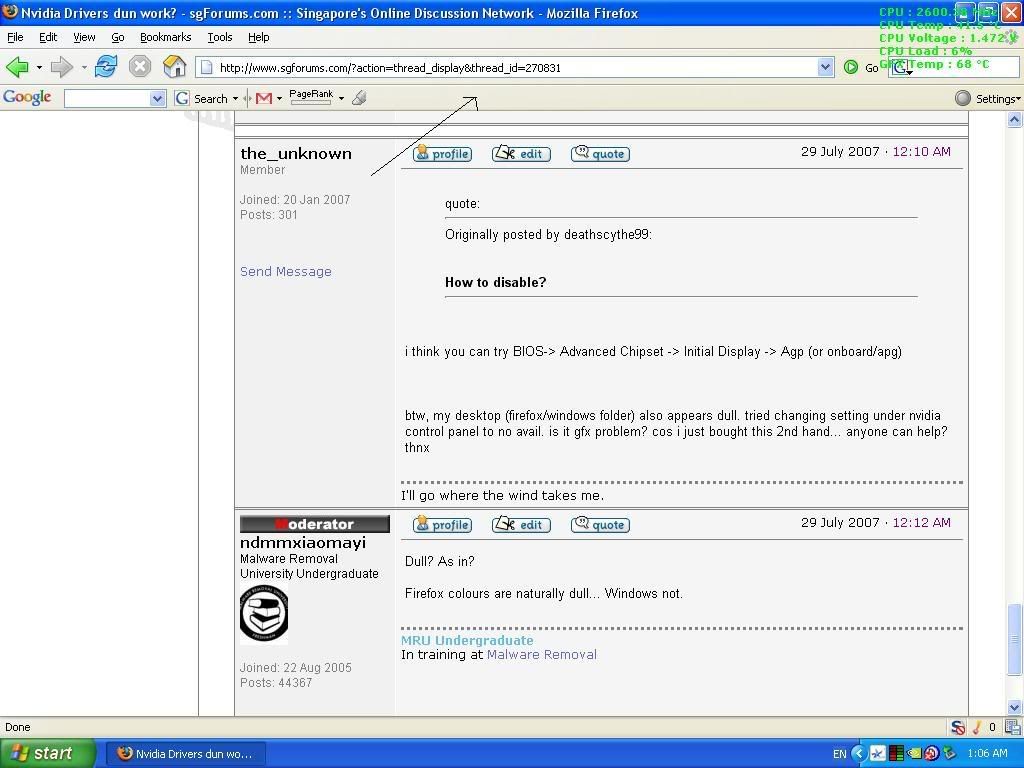
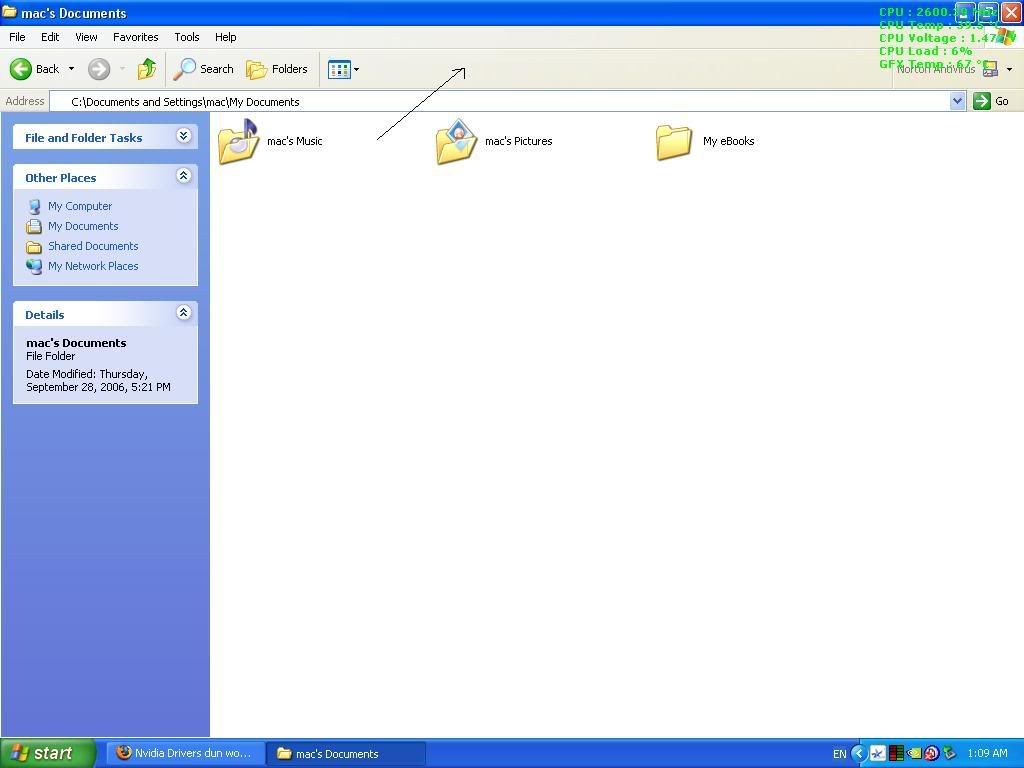
Also, the nvidia control panel always take more than 15mins to load... -
I also find the the Nvidia control panel really takes a long time to load...in fact, after some time they fail to load onto the taskbar at all!! I wonder why also....hmm...
-
Your screenshots look alright to me. It could be a graphics card issue...
As for why it's taking so long, it might a bug. -
anyway to find out whether it is a graphics card problem or purely settings problem? cos i just bought this 2nd-hand card...Originally posted by ndmmxiaomayi:Your screenshots look alright to me. It could be a graphics card issue... -
To see if it's a settings problem, just mess around the settings. They usually have a manager for it, either at your system tray (near the clock) or in Control Panel. If it's neither, right click on your desktop and select Properties. Select the Settings tab and play around the settings.Originally posted by the_unknown:anyway to find out whether it is a graphics card problem or purely settings problem? cos i just bought this 2nd-hand card...
Hardware issues is sometimes obvious. If your PC can't start and has a beeping error which matches graphics card error, then it's most likely the card problem.
There will also be other occasions where the graphics card will produce errors of some sort or no errors but the display is just odd. It isn't so obvious until someone try out the card on another system.